One-Click Domain Swap
Switch between development, staging, QA, and production environments instantly while preserving the full URL path and query parameters.
A Chrome extension that sits in your toolbar. One click - or Alt + D - moves the current tab between local, staging, QA and production, carrying the full path and query string across untouched.

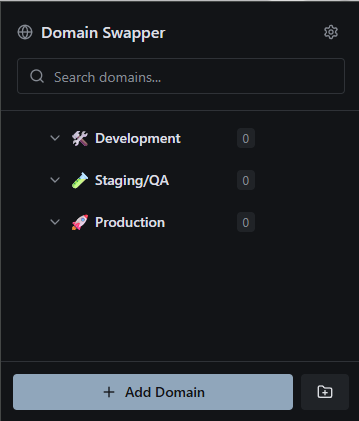
No app, no account, no proxy. Domain Swapper Pro is a Manifest V3 extension that reads the tab you are on and rewrites its host.
Free, reviewed by Google, installed like any other extension - and available in any Chromium browser that accepts Web Store items.
Open Chrome’s extensions menu and pin Domain Swapper Pro. The popup then opens directly under the icon, on whatever tab you are looking at.
Alt + D opens the popup; Alt + Shift + D jumps straight to the last domain you used. Rebind both in Chrome’s shortcut settings.
Switch between development, staging, QA, and production environments instantly while preserving the full URL path and query parameters.
Organize your domains into collapsible folders with custom icons and colors. Supports nested folders for complex project structures.
Open the popup with Alt+D or instantly swap to your last used domain with Alt+Shift+D. Fully customizable shortcuts.
Configure protocol per domain - force HTTP, HTTPS, or preserve the current protocol. Global Force HTTPS option available.
Backup your entire configuration to JSON and restore it anytime. Easily share setups with your team or transfer between browsers.
Sync your domains and settings across all your Chrome browsers automatically. Your setup follows you everywhere.
Everything happens under the toolbar icon. The options pages are there when you need protocol rules, shortcuts or a backup file - and out of the way when you don’t.
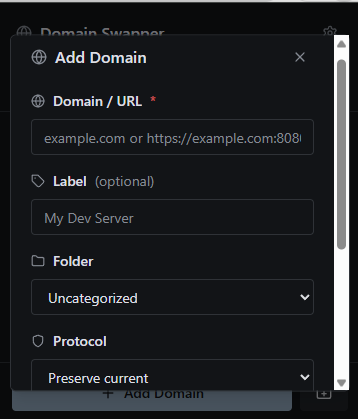
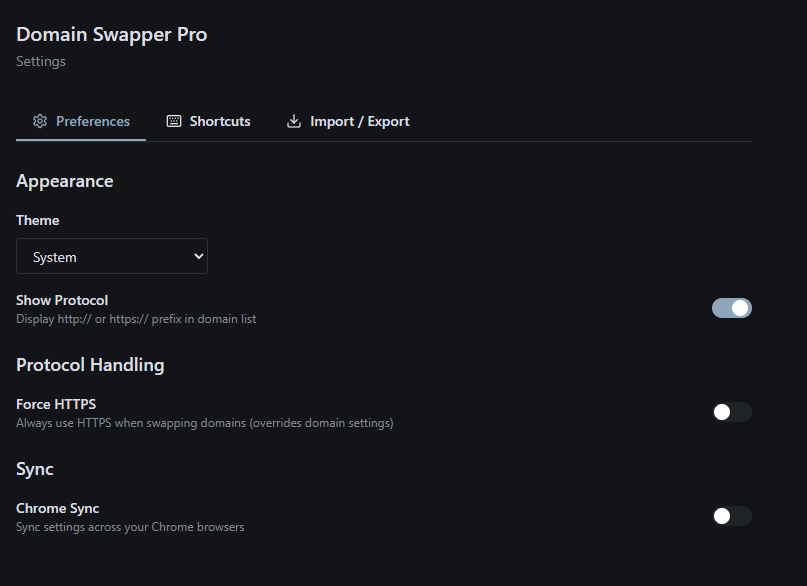

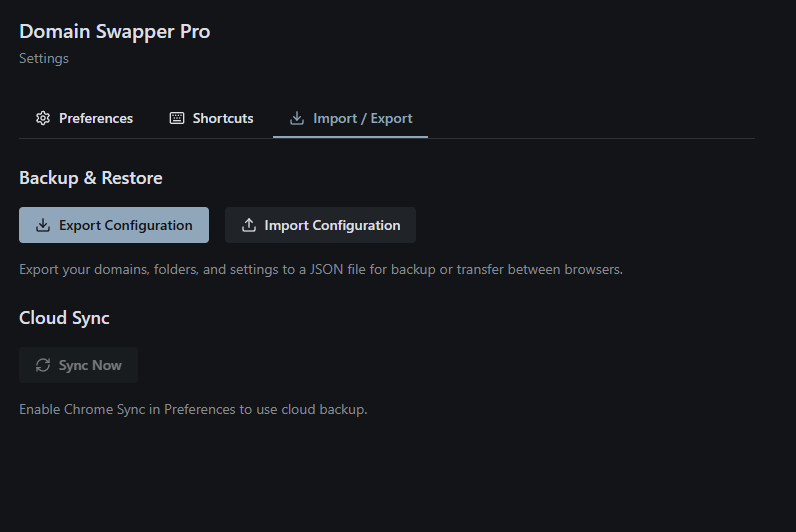
Installing takes about ten seconds and your first swap takes one click. Nothing leaves the browser.
Add to Chrome - free